 Azerkit
Classes 2 min read
Hunter pets with Azerkit: feeding, happiness, ammo and taming for skills
How Azerkit's Hunter Kit and Hunter Pets keep your pet fed and happy, your ammo stocked and your Auto Shot timed, and tell you which beasts teach the pet skills you are missing.
Hunter pets with Azerkit: feeding, happiness, ammo and taming for skills
A hunter juggles more moving parts than any other class: a pet with moods, ammo that runs out, aspects, traps and a ranged attack on its own timer. Azerkit's two hunter modules put all of that in one place. Both only load on hunters.
The hunter panel
Hunter Kit adds a small on-screen panel. It shows:
- Pet happiness, so you notice an unhappy pet before its damage drops.
- A Feed Pet button. One click casts Feed Pet and uses food from your bags that your pet's family actually eats. You do not need to drag food onto a macro any more.
- Ammo count for what is in your quiver and bags.
- Trap cooldowns and your current aspect.
It also warns you when your pet is unhappy, when ammo runs low, and when you enter combat without an aspect.
Restock at the vendor
At a merchant that sells your ammo, a Buy ammo panel appears: one click buys a stack. If you prefer, turn on automatic restock in the module's settings.
The Auto Shot bar
Hunter Kit's Auto Shot bar shows the time to your next Auto Shot, and your Aimed Shot cast when you use it. WoW: Forever does not let addons read the combat log, so the timer is driven by your own cast events and your ranged attack speed. It stays accurate for your own shots, which is what you need to avoid clipping them.
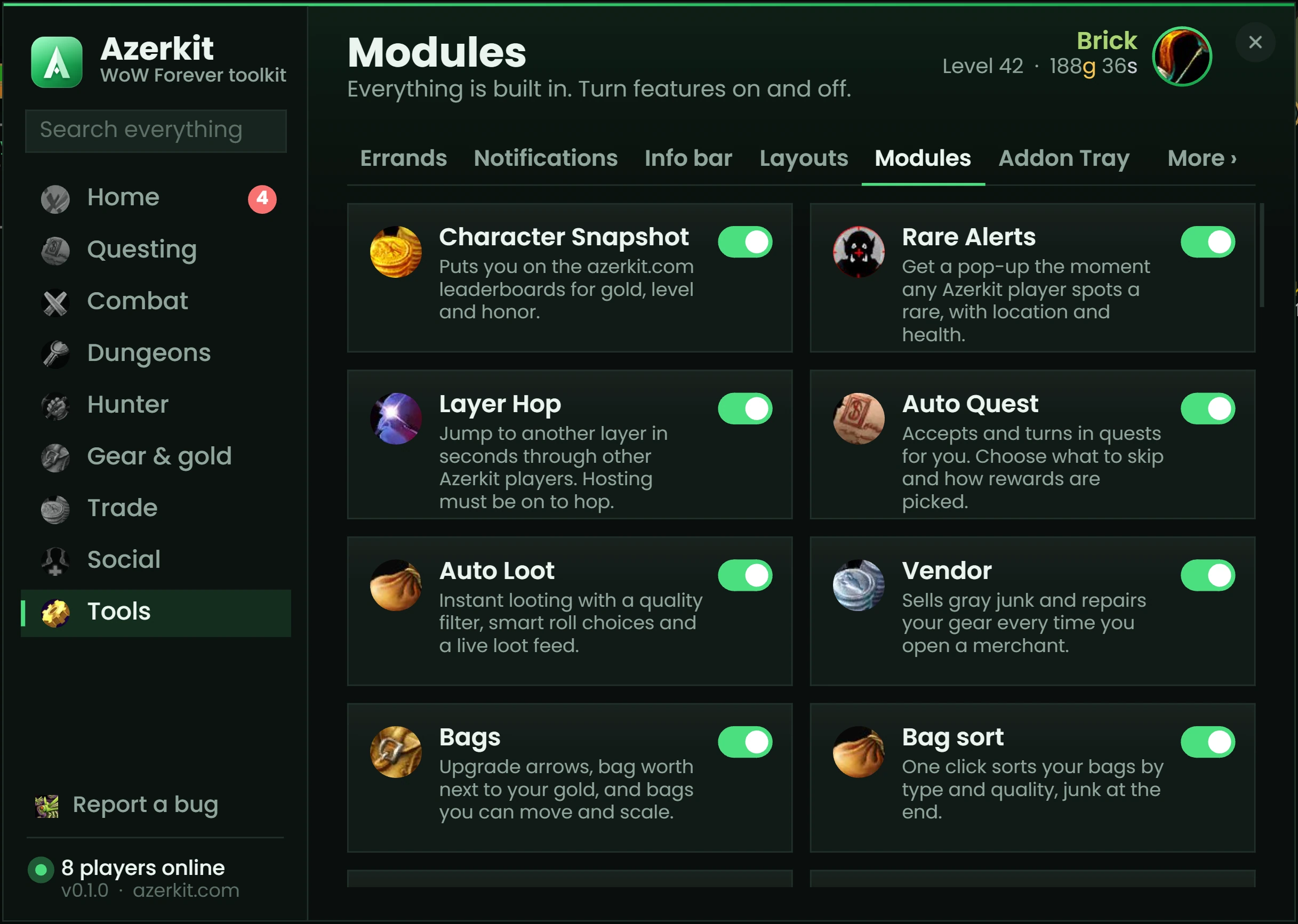
Your pet at a glance
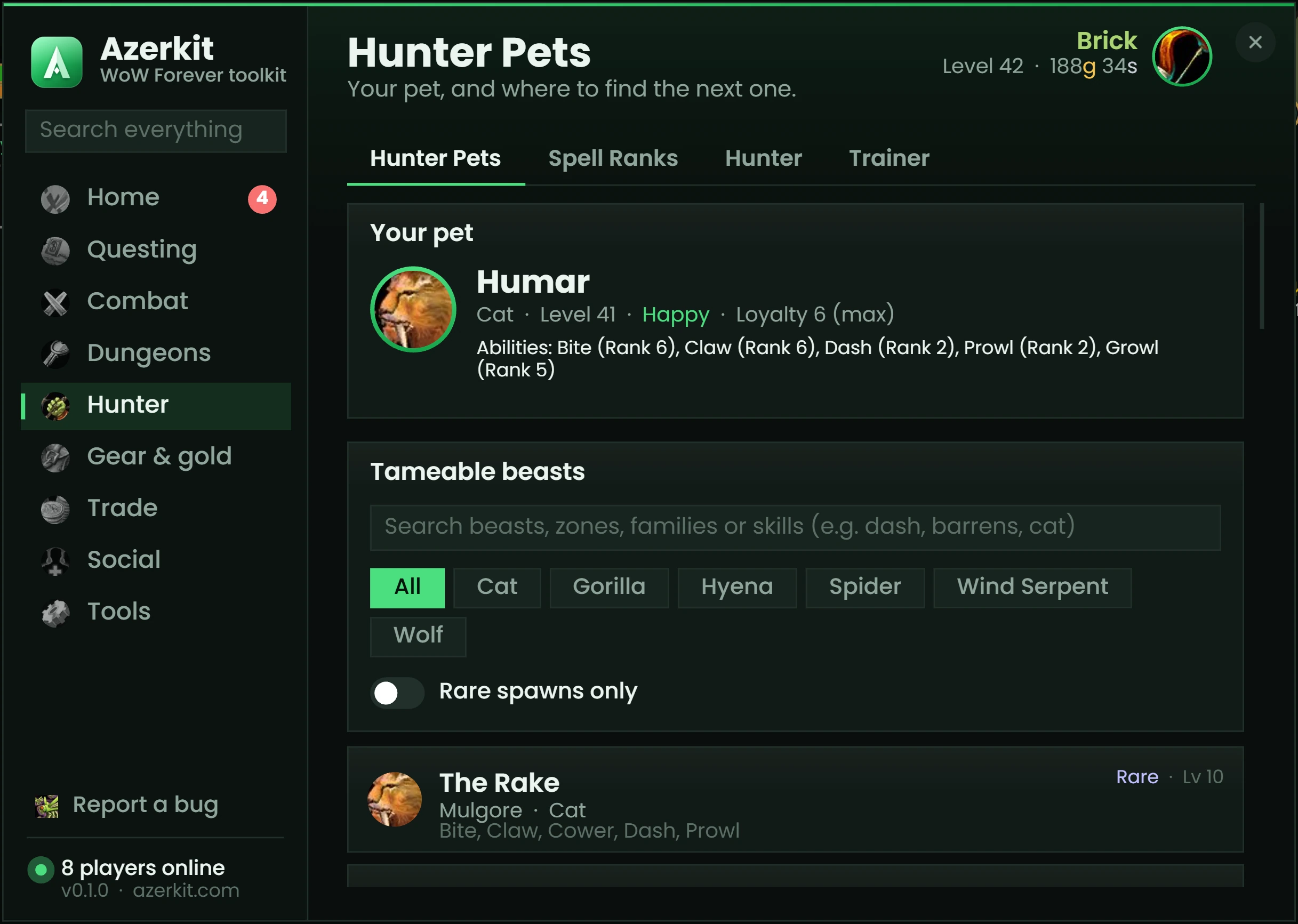
Hunter Pets shows your current pet's family, level, loyalty, happiness and abilities. An optional pet XP bar can sit on the panel or as its own draggable bar, so you can see how close your pet is to its next level.
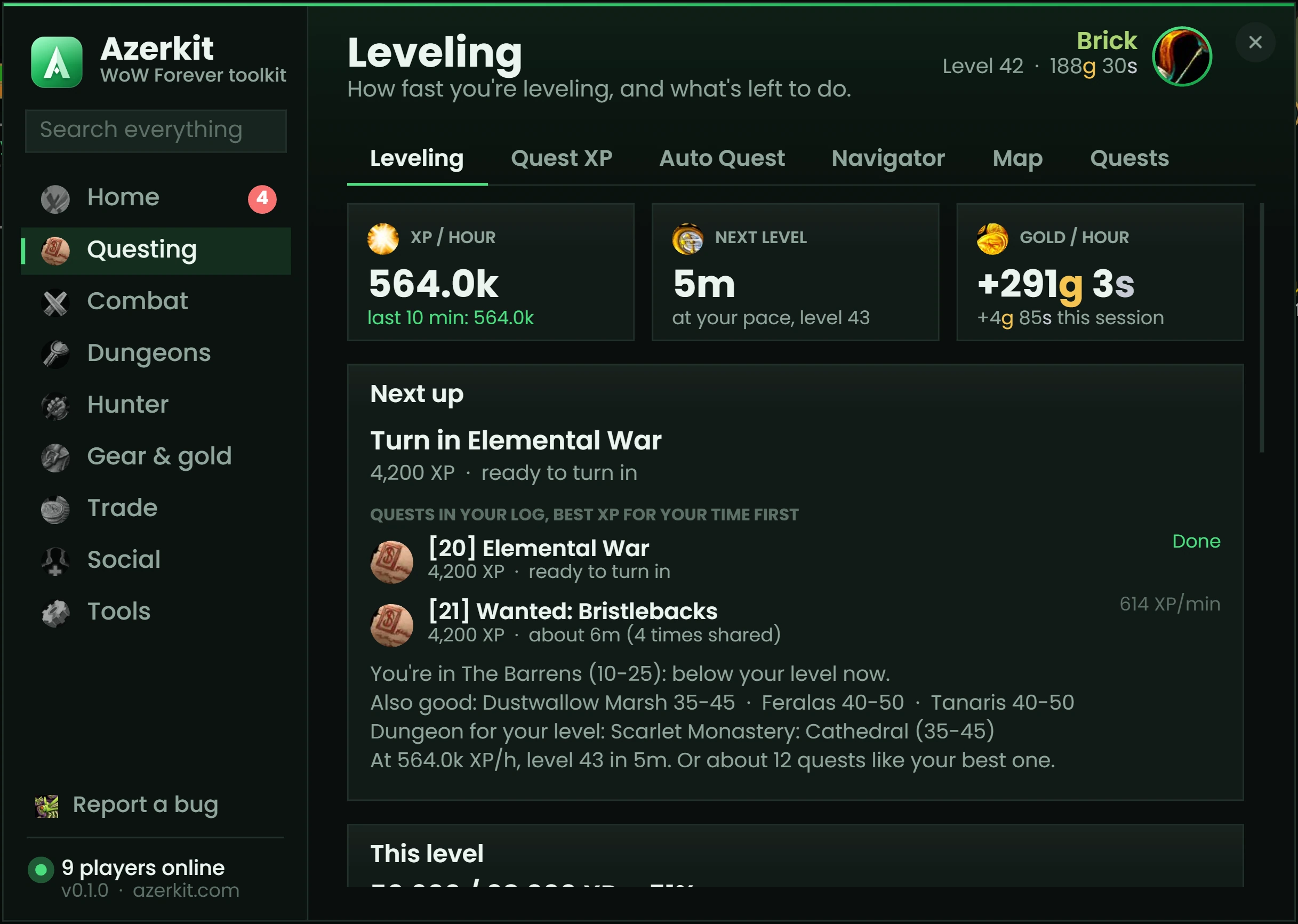
Taming for skills
Pet skills are learned by taming a beast that knows them, then using the skill with that pet until you learn it. Azerkit makes this easier:
- Hover any beast and its tooltip tells you if taming it would teach a skill you do not have yet. Azerkit compares against everything you have learned through Beast Training, including stabled pets.
- When you target a beast like that, an optional alert tells you. You can snooze the alert for an hour, or turn it off for that beast for good.
- The tameable beasts browser lists beasts by family and rarity tier, with a filter for rare beasts only.
The beast list is starter data written by hand and does not include coordinates yet. When a beast you want is not in the list, the tooltip check still works on anything you hover in the world.
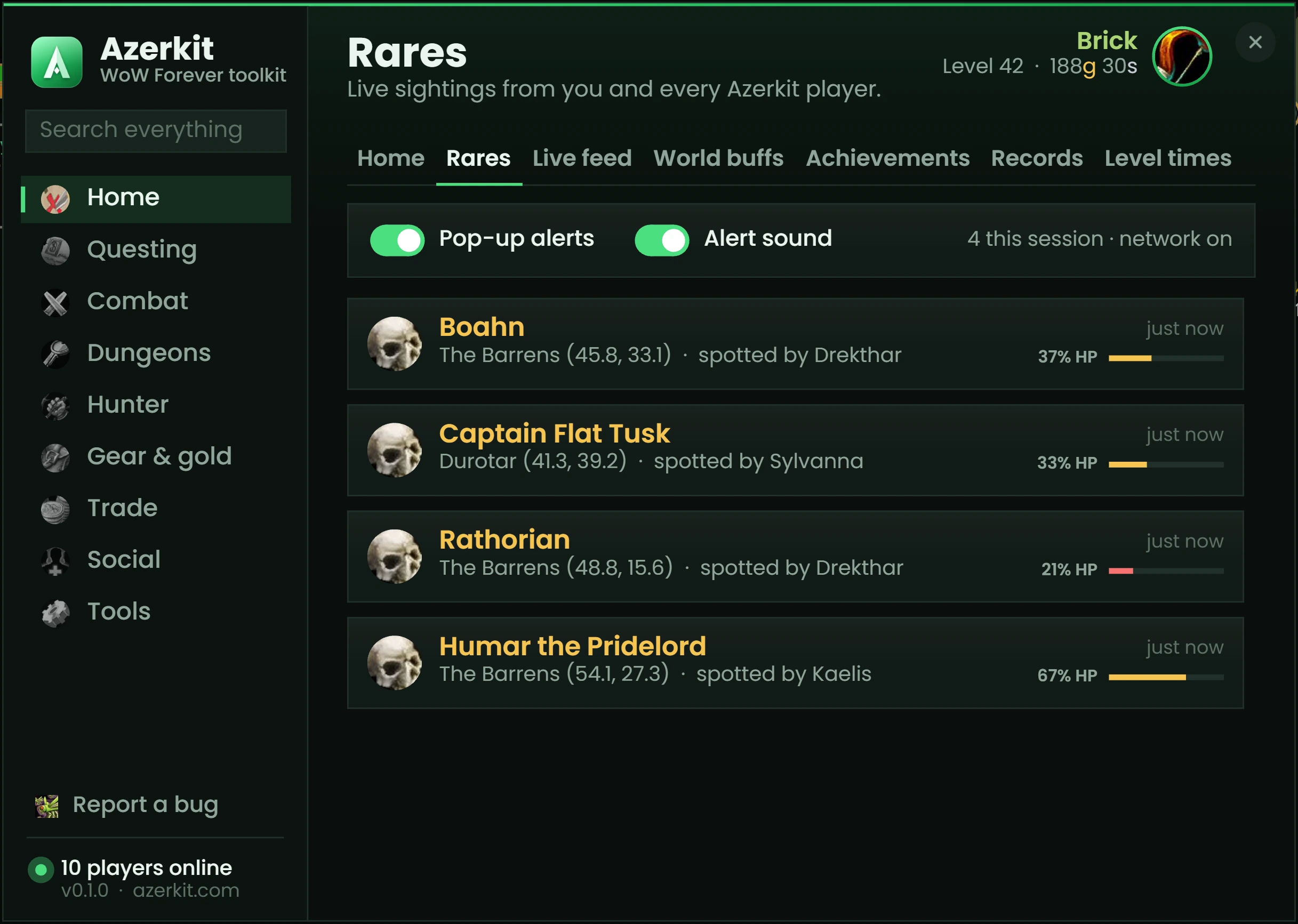
Pairs well with
- Rotation Helper shows the next shot worth pressing and warns about a missing pet or a wrong aspect (when Hunter Kit's own aspect alert is off).
- Reminders shows missing self-buffs and low reagents in one strip.
- Spell Ranks swaps your action bars to new ranks when you train them.
Everything here only shows information and offers buttons you press. Azerkit never casts or targets for you.
More for hunters: Azerkit for Hunters.
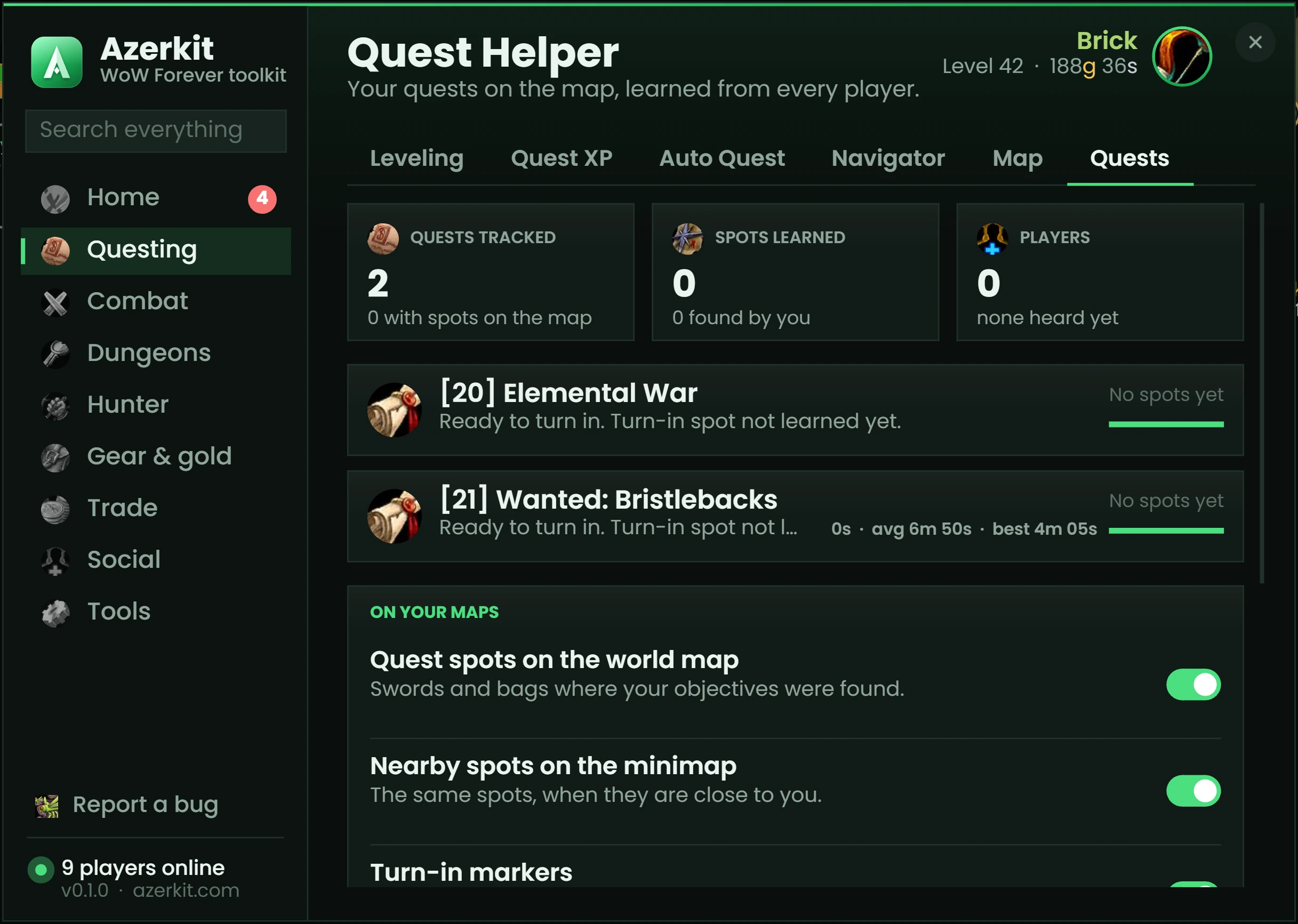
Type /ak in game
Every module in this guide has its own page in the Azerkit window, with its switches and what it did this session.